Money Management Tools - 1st Source

What is Money Management?

One view for your finances

Money Management is a financial tool within 1st Source Online and Mobile Banking. Connect eligible accounts from 1st Source and other financial institutions, then use those accounts to review spending, build budgets, plan for goals, and understand more of your financial picture.

Bring accounts together

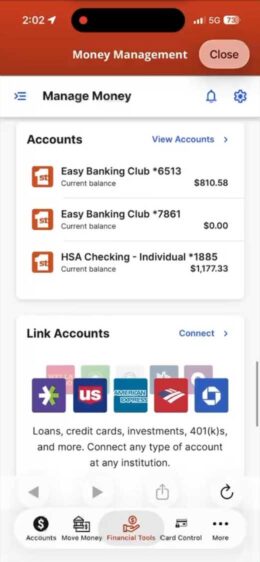
Can I see accounts from other banks?

Yes, you can! you can also view credit cards, loans, 401(k)s, fintech accounts, and payment platforms such as PayPal, Cash App, and Venmo. Seeing more of your financial life together gives you a clearer picture of what you have, what you owe, and where your money is going.

Linking accounts in the money management app from 1st Source Bank

Spending and budgets

Understand where your money goes

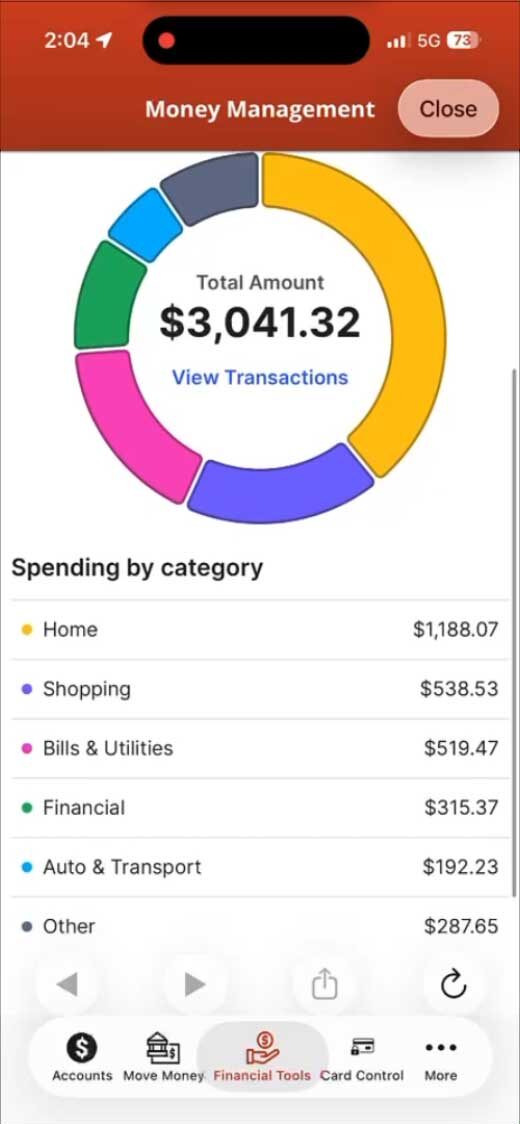
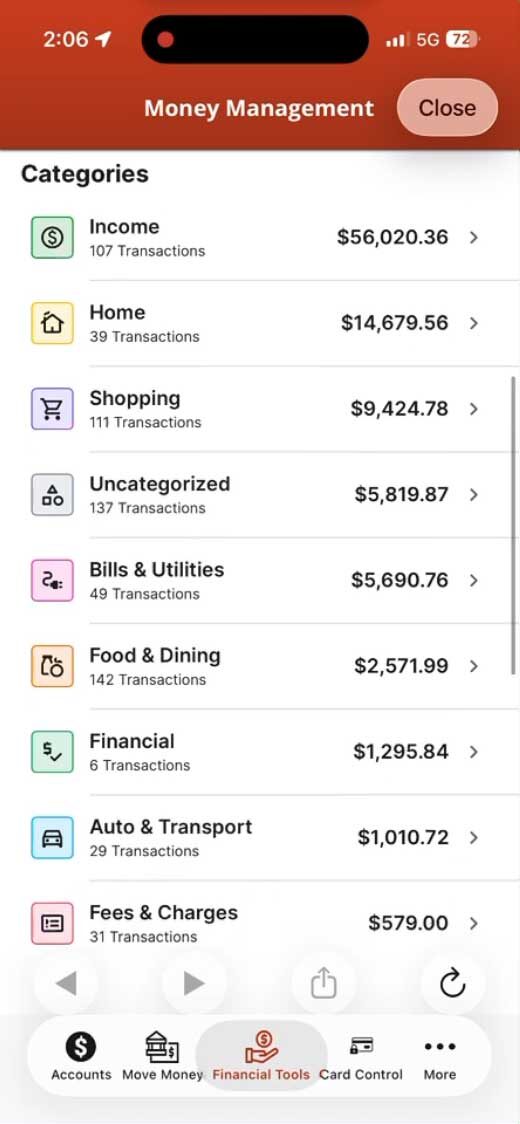
Money Management organizes transactions into categories so you can see where your money is going. If something lands in the wrong category, you can update it so your spending and budget views better reflect how you use your money.

Money Management spending view showing transactions organized by category

See spending by category and spot where more of your money is going.

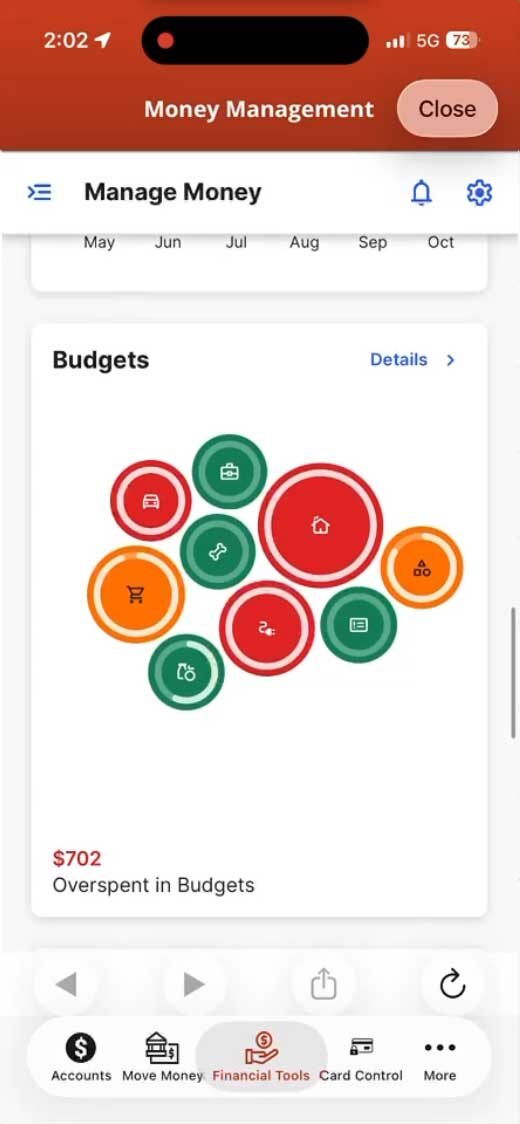
Money Management budget view showing spending as a bubble chart

Set category budgets and see when you’re within budget, getting close, or over the amount you set

What is Money Management?

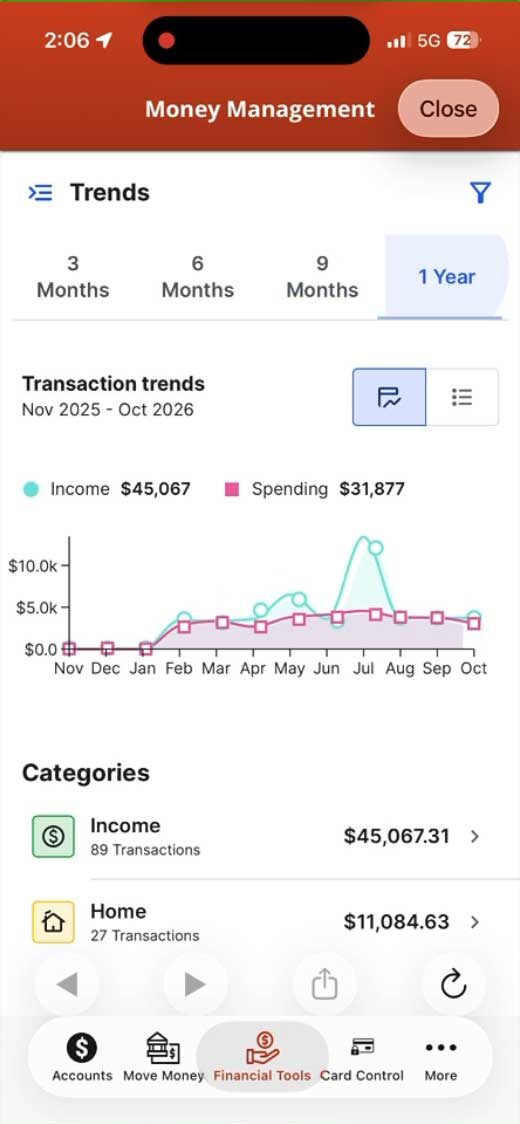
See how your finances change over time

One month gives you only part of the picture. Review income and spending across several months to see where your money is going and how your habits are changing.

A longer view helps you spot expenses that are growing, see where your budget has shifted, and put larger or occasional purchases in context. You can also compare changes in income and spending to better understand your overall financial picture.

  • See what comes in and goes out
    Compare your income and spending from month to month.
  • See where you’re spending more
    Review spending categories to find areas that have grown or changed.
  • Compare one month with another
    Look back over several months to see whether an expense was typical or out of the ordinary.

Plan and track

Turn financial goals into something you can see

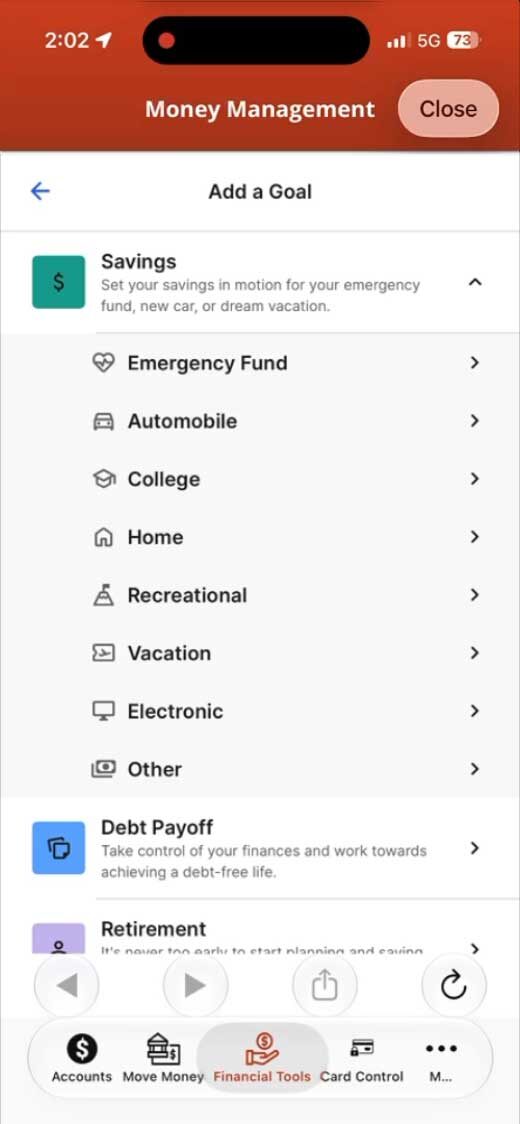
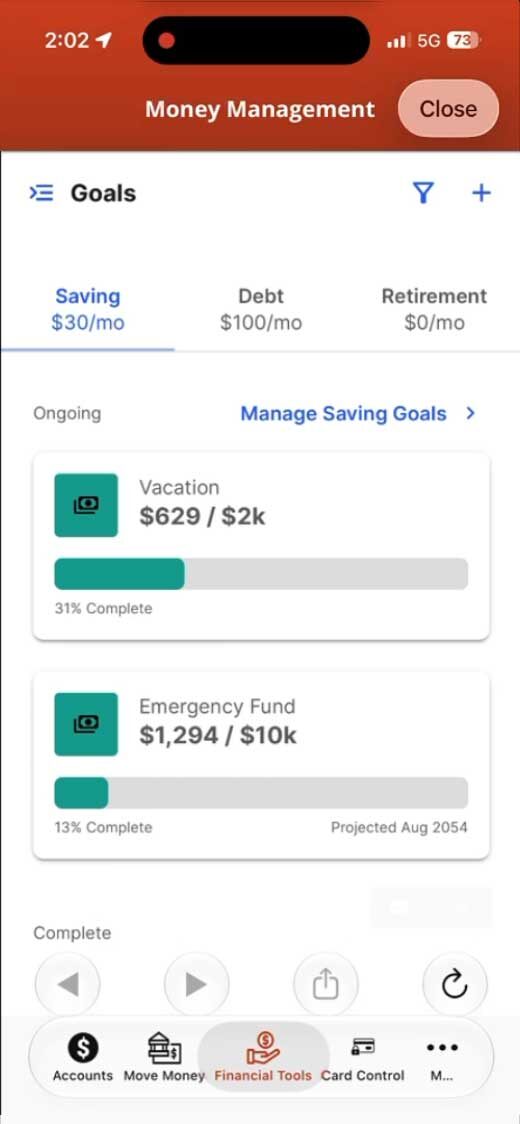
Money Management goals screen showing progress toward savings and debt goals

Easily make a plan for savings, paying off debt, retirement, and more.

Money Management tool showing progress toward savings goals

Set a goal, choose a monthly amount, and follow your progress.

The bigger picture

Look beyond this month's spending

Money Management net worth chart showing connected assets and liabilities over time

See connected assets and liabilities together for a broader view of your finances

Money Management cash flow view showing money coming in and going out across accounts

Use the Online Banking cash flow view to review money coming in and going out

Financial wellness

Tools are only part of the picture

Explore on your own. Get help when you want it. Use Money Management when you want to explore your finances on your own time. When you want more support, use our free financial wellness courses and calculators, meet one-on-one with a financial education coach, or visit one of our 70+ banking centers.

Find a banking centerWhite Right Pointing Arrow

You 1st Financial Wellness Help
A couple discusses their savings goals with a 1st Source Bank banker

three simple steps to

Get Started

Open an account

If you’re new to 1st Source Bank, start by opening an account today.

Sign up

Once you have an account, register for online banking.

Get the App

Get it on GooglePlay logo